
OPENEND PRIVATE AI
Private AI for Your Business
Your Data. Your AI. Your Control.
Ask, search and summarize your team's documents, with sources you can check.And manage access to suit your organization.

YOUR BUSINESS. YOUR PRIVATE ROOM.
How Private AI works
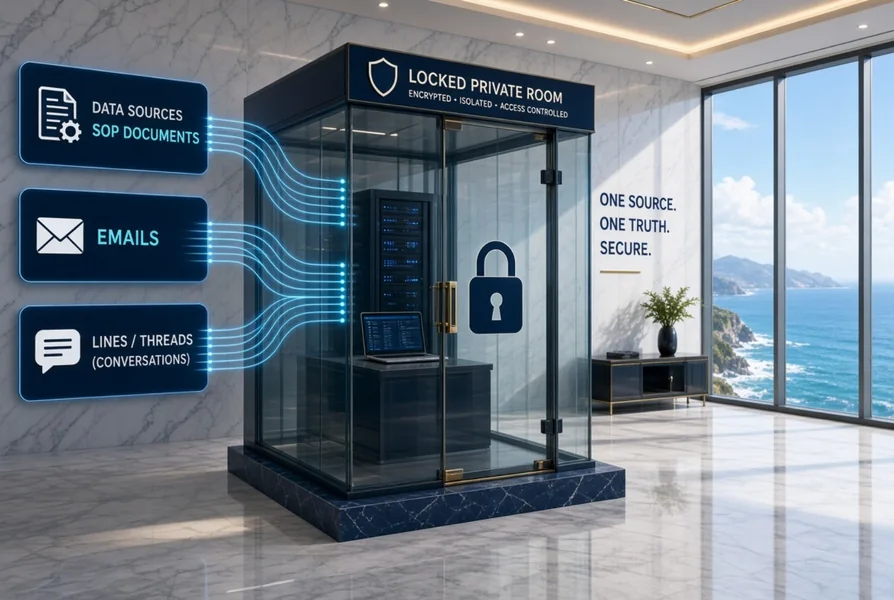
A secure space for your business information. Authorized people can ask, check, update and summarize data — all in one private room.
 01
01Store data in a private room
Bring selected documents, manuals and business information into a private room for each company, team or project.
Your chosen data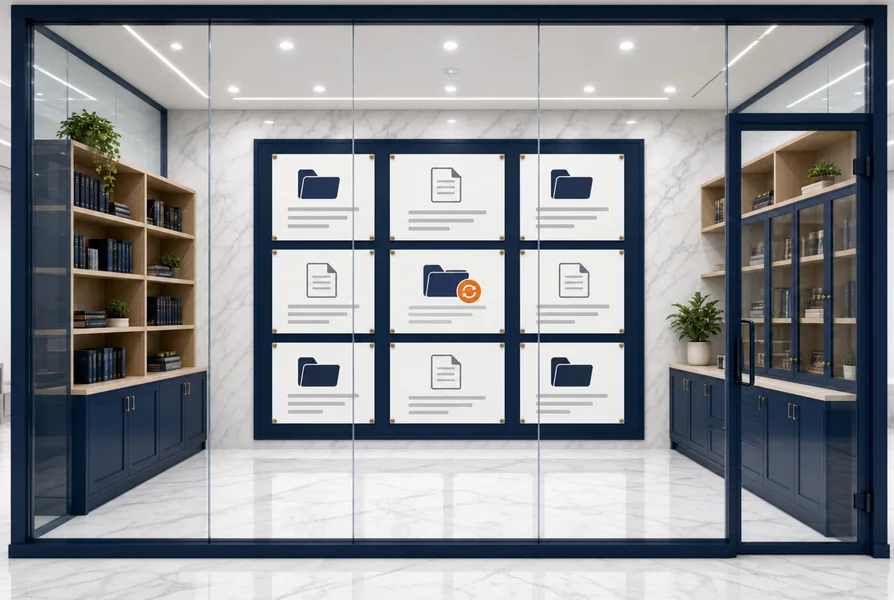 02
02Organize and update knowledge
Organize information for easy search. Authorized people can add or update documents as business information changes.
Ready to find and update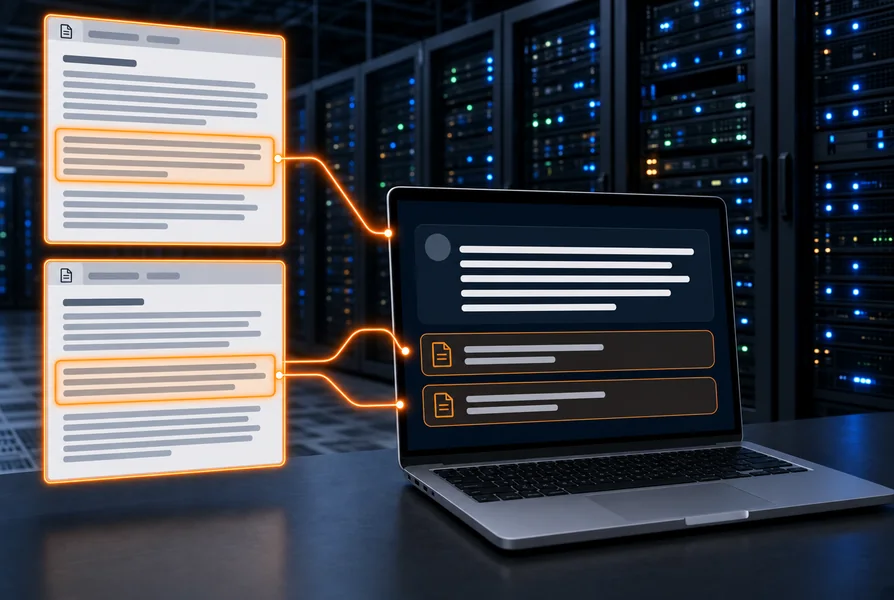 03
03Ask and verify sources
Ask questions and check details from the room's data, with references you can open to review the original documents.
Answers you can check 04
04Summarize with controlled access
Summarize information for your work. You decide who can view, ask about or update the data in each room.
Only authorized people
Your Data. Your AI. Your Control.
Access and actions are controlled by the permissions you set.
PRIVATE AI FOR YOUR ORGANIZATION
Put your organization's knowledge to work
OpenEnd Private AI connects the documents and knowledge your organization chooses. Authorized team members can ask questions, search and summarize information, then review the source documents behind each answer.
Start with one department. Data connections, access permissions and deployment are designed around your organization's needs.
Who it's for

Finance, Accounting & Office
Find figures and terms in documents, contracts, policies and procedures.

Factory & Operations
Access manuals, work procedures and your team's practical knowledge.

Executive Leadership
Review key information and trace its sources to support decisions.

Hospitals & Clinics
Find internal manuals, policies and procedures with team-based permissions.
OPENEND TOOLS
FREE TO USEGet your documents ready
Four everyday document tasks. Use them free, preview your work and download your files.
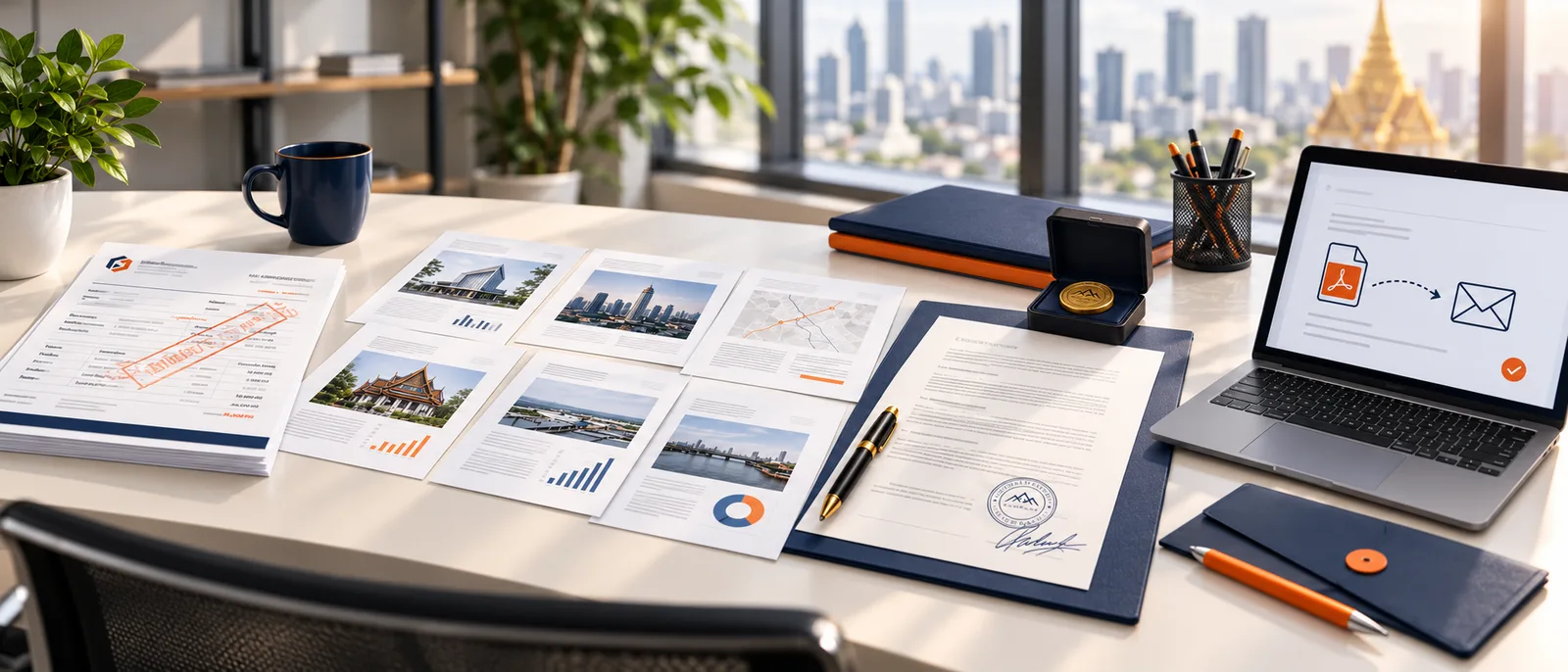
Stamp text
Apply visible text across a PDF page or image.
Use for freeArrange pages
Merge, reorder, rotate and remove unwanted pages.
Use for freeAdd to document
Place text, images or a signature image, then adjust their position.
Use for freeCompress for email
Reduce PDF and image file sizes and review the result before downloading.
Use for freeTools processes files in your browser. Files are not automatically sent to Private AI. Visible text stamps do not remove or redact the original content.
Explore by task
Frequently asked questions
What does OpenEnd Private AI do?
It searches, answers questions about and summarizes documents selected by your organization, with sources you can review. Typical documents include manuals, contracts, policies and internal reports.
Can it be installed at our company?
An organization-owned computer or server can host the system. Data scope, permissions and connections are agreed with your team before implementation. Contact us to assess the right deployment.
Does AI make decisions for employees?
OpenEnd is a document assistant. Users review source documents and verify information before using it. It does not approve transactions, sign documents or make medical diagnoses for people.